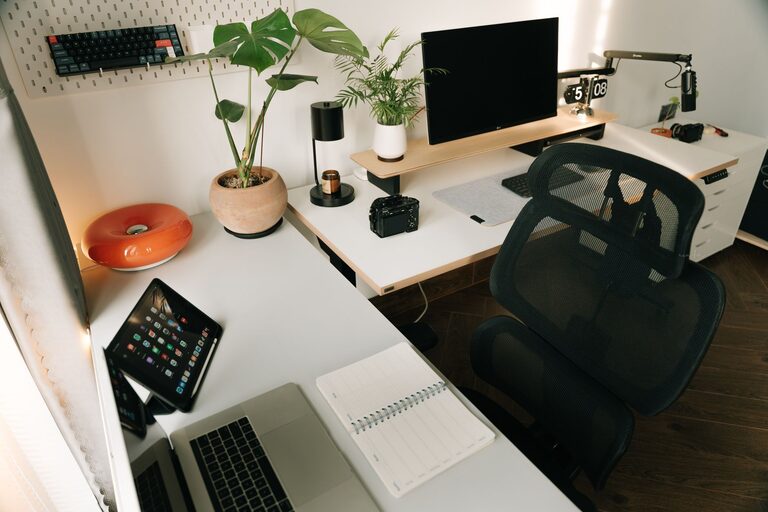
Working from home has become increasingly common, and having a productive home office environment is essential to staying focused and motivated. Whether you’re working remotely full-time or need a dedicated space for occasional projects, setting up an effective workspace can make a big difference in your daily performance and well-being. In this post, we’ll share practical tips for creating a home office that supports productivity and comfort.
Choose the Right Location
Your workspace location plays an important role in your productivity.
– Quiet Space: Find a spot with minimal distractions and noise. Avoid high-traffic areas like kitchens or living rooms if possible.
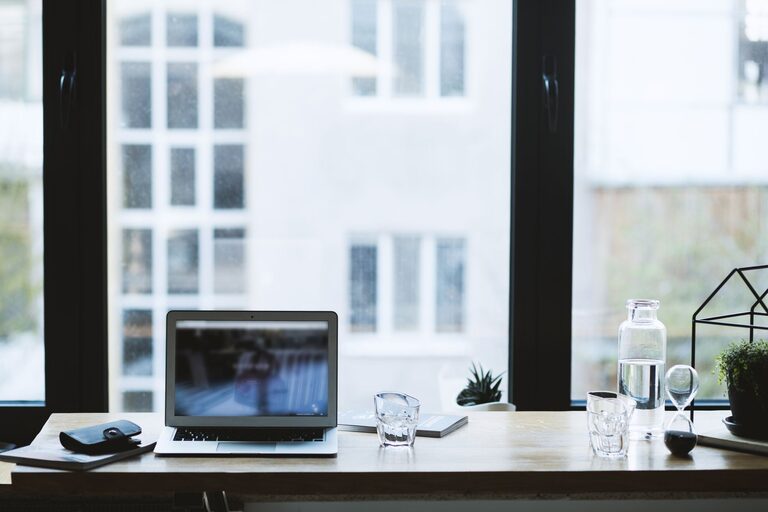
– Natural Light: Position your desk near a window to take advantage of natural light. It can improve mood and energy levels.
– Dedicated Area: Even if space is limited, try to create a designated area that’s used only for work. This helps set clear boundaries between work and relaxation.
Invest in Comfortable Furniture
Comfortable and ergonomic furniture can prevent aches and improve focus during long work hours.
– Ergonomic Chair: Choose a chair with good lumbar support and adjustable height.
– Proper Desk Height: Your desk should allow your arms to rest comfortably at about a 90-degree angle while typing.
– Footrest: Consider adding a footrest if your feet don’t touch the floor comfortably.
– Monitor Position: Keep your monitor at eye level to reduce neck strain.
Organize and Declutter Your Space
A tidy workspace helps reduce distractions and increases efficiency.
– Use Storage Solutions: Shelves, drawers, and organizers keep supplies neat and within reach.
– Limit Clutter: Only keep essential items on your desk.
– Cable Management: Use clips or ties to keep cords organized and out of the way.
– Regular Cleaning: Schedule time to declutter and clean your office weekly.
Optimize Lighting
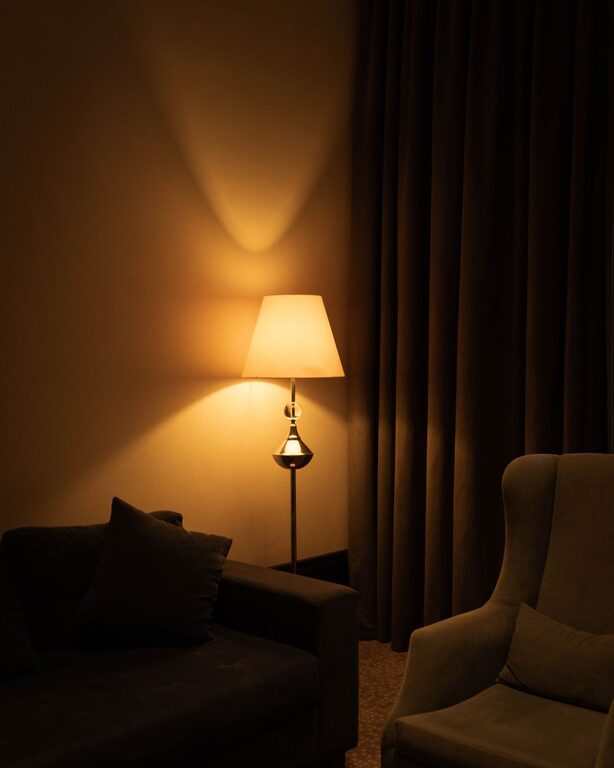
Good lighting reduces eye strain and creates a welcoming atmosphere.
– Layered Lighting: Combine natural light with task lighting such as a desk lamp for focused work.
– Avoid Glare: Position screens to minimize glare from windows or overhead lights.
– Adjustable Lights: Choose lamps with adjustable brightness and color temperature to suit different times of the day.
Minimize Distractions
Keeping distractions to a minimum helps you maintain focus.
– Turn Off Notifications: Mute non-essential notifications on your devices.
– Set Boundaries: Communicate your work hours to family or roommates.
– Use Noise-Cancelling Headphones: They can help block out background noise.
– Create a Routine: Having a consistent schedule trains your brain to transition into work mode.
Personalize Your Workspace
Adding personal touches makes your office more inviting and motivating.
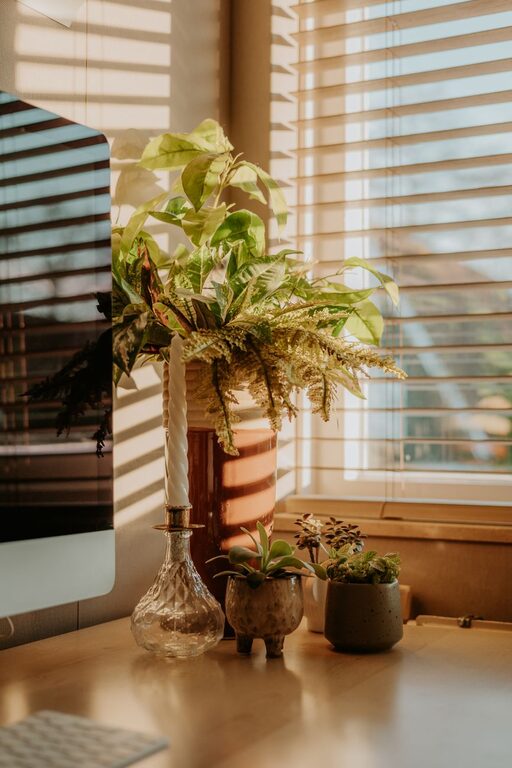
– Inspiring Decor: Use artwork, plants, or photos that lift your mood.
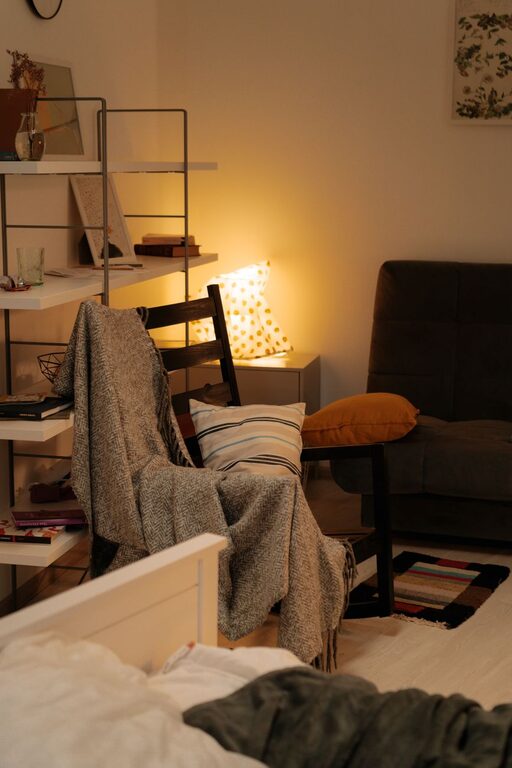
– Comfort Items: Include a cozy blanket or cushion for comfort.
– Greenery: Plants improve air quality and reduce stress.
Utilize Technology Effectively
The right tools can streamline your workflow and improve productivity.
– Reliable Internet: A stable, fast connection is a must.
– Ergonomic Accessories: Keyboards and mice that reduce strain.
– Productivity Apps: Use calendar tools, task managers, and focus apps to stay organized and on schedule.
– Backup Solutions: Regularly back up important files to avoid data loss.
Take Breaks and Move
A productive workspace also supports your physical and mental health.
– Schedule Breaks: Take short breaks every hour to rest your eyes and stretch.
– Standing Desk Option: Consider a sit-stand desk for flexibility.
– Exercise: Incorporate physical activity into your routine, even if it’s just a short walk.
Final Thoughts
Creating a productive home office environment involves thoughtful planning and consistency. By focusing on location, comfort, organization, lighting, and minimizing distractions, you can build a space where you feel motivated and efficient. Remember to personalize your setup and prioritize your well-being for the best results.
Whether you’re starting fresh or looking to improve your current workspace, these tips can help you design a home office that works for you. Happy working!
About the Author